Pet portraits with softer emotional appeal
Use a real pet photo as the anchor, then shift fur texture, expression, and pose into a plush presentation that still feels personal.
JellyMate turns a photo, character brief, or short prompt into a polished plush-style image. Start with a pet portrait, a gift concept, a mascot sketch, or a baby keepsake idea and shape it into a collectible soft-toy visual.
Use a real pet photo as the anchor, then shift fur texture, expression, and pose into a plush presentation that still feels personal.
Turn inside jokes, nicknames, hobbies, and family memories into gift-ready soft-toy concepts before you commit to a print, card, or product.
Explore a softer mascot system first, then decide which shapes, colors, and accessories deserve production work.
Write a clear Jellycat style plush prompt and JellyMate will generate a live image result.
Best prompts mention the subject, plush texture, emotional tone, and intended scene.
Use square for toy cards and vertical for hero or social concepts.
Optional. Add a public image URL or upload a reference image to preserve a subject identity.
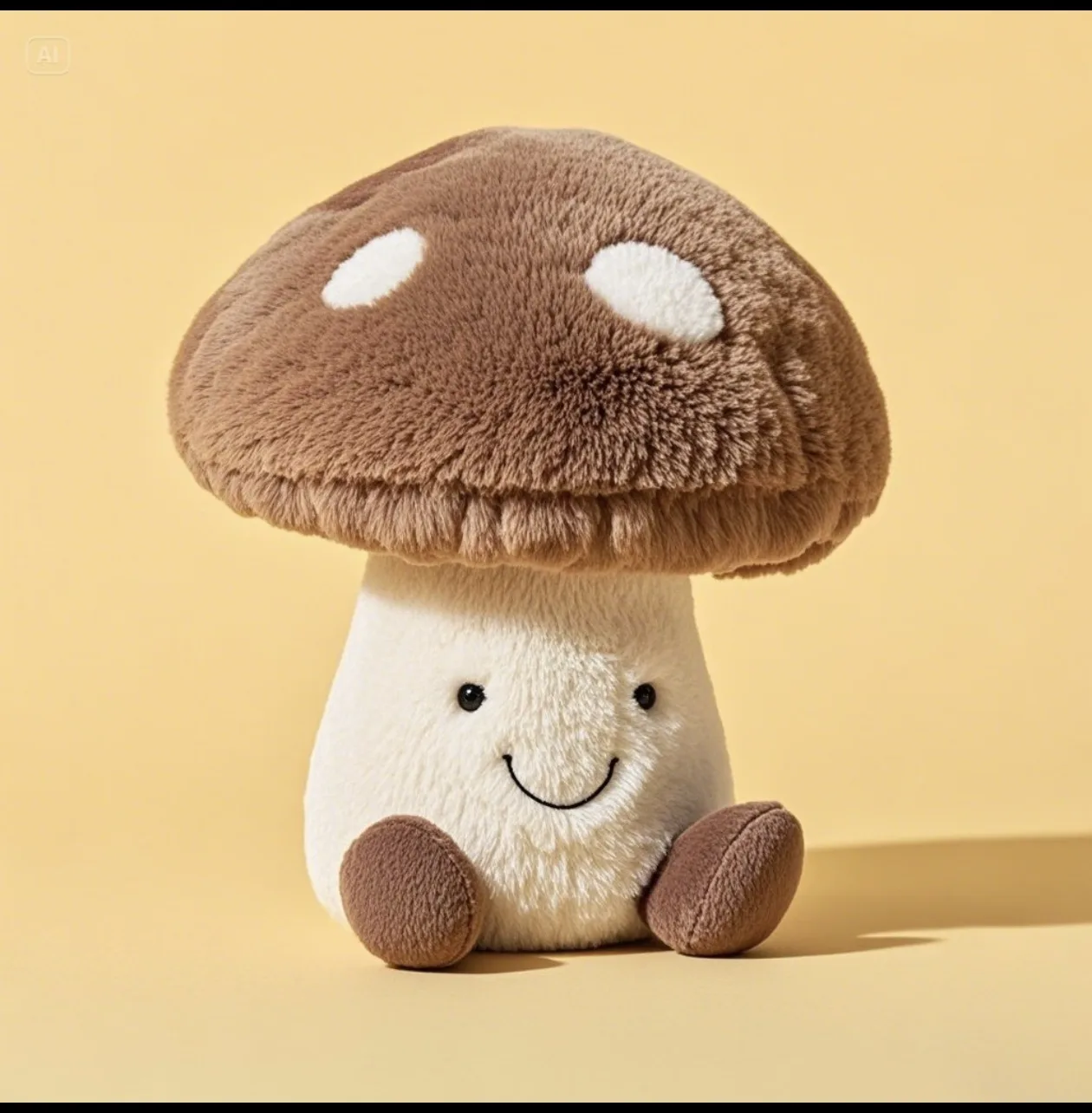
Example Preview
The preview starts with an example image and switches to your generated result.
Your latest image generations will appear here on this device.
Say what the subject is, what emotion it should carry, and where it will be used before you mention plush texture or softness.
Lock in details like ear shape, scarf color, sleepy eyes, or stitched initials so outputs feel reusable instead of generic.
Keep the scene stable while changing outfit, angle, or expression. That gives you a cleaner decision set for landing pages and social posts.
A good prompt names the subject, emotional tone, signature details, and output use case. That combination is more stable than style words alone.
Yes. Photo-led plush generation is one of the strongest use cases because the original face, markings, or silhouette gives the result a clear identity.
No. JellyMate can serve broader plush, stuffed animal, mascot, and keepsake intent without forcing every page into a single branded search term.