Pet owners turning a real companion into a keepsake
A likeness-led plush image usually carries more meaning than a random pet illustration because it preserves emotional familiarity.
The pet workflow is one of the strongest commercial and emotional paths for JellyMate. People do not just want a cute animal image. They want their pet preserved as a softer, giftable, memorable plush character across images and short motion.
A likeness-led plush image usually carries more meaning than a random pet illustration because it preserves emotional familiarity.
This use case needs sensitivity, softer lighting, and accurate visual anchoring. That is where a pet-specific page wins.
A plush version of a real pet gives people a reason to share, comment, and save because the output feels personal rather than disposable.
Use-case assets for this page are now organized and shown directly.
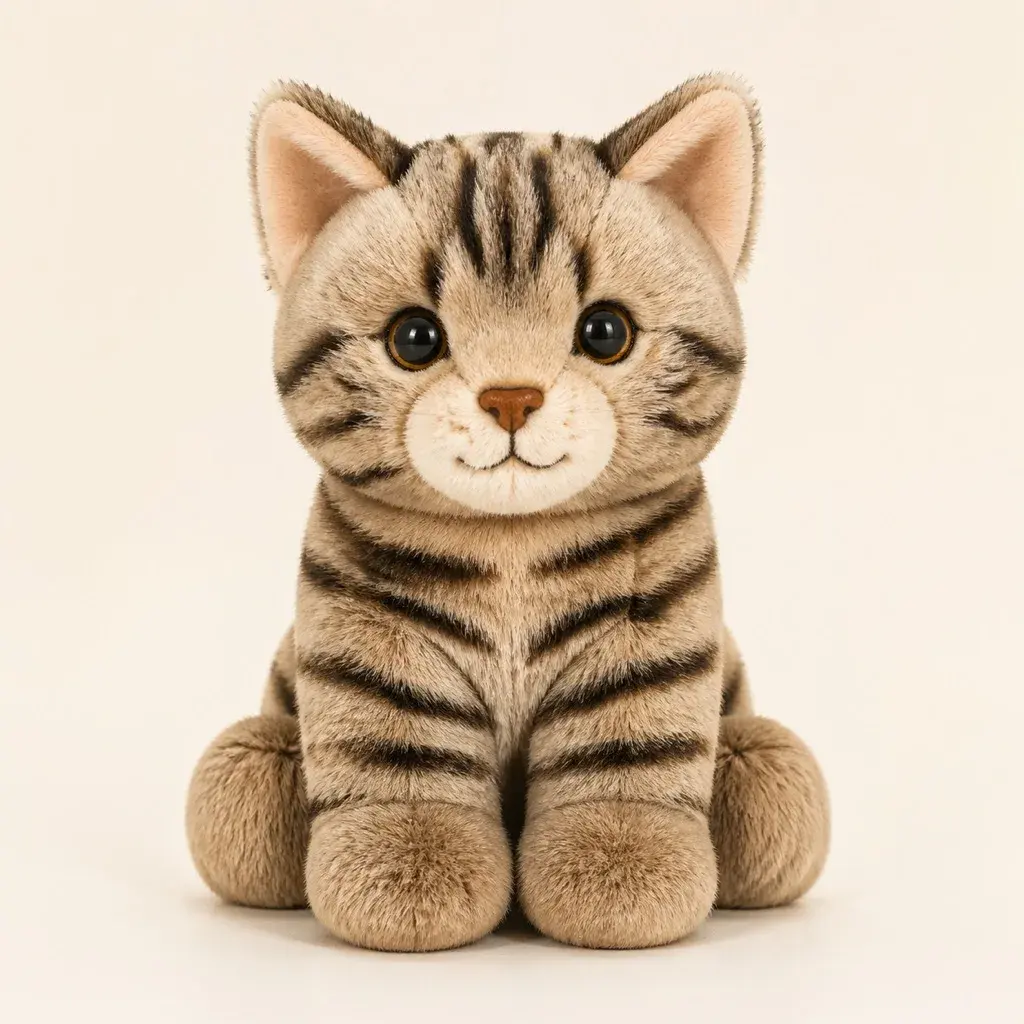
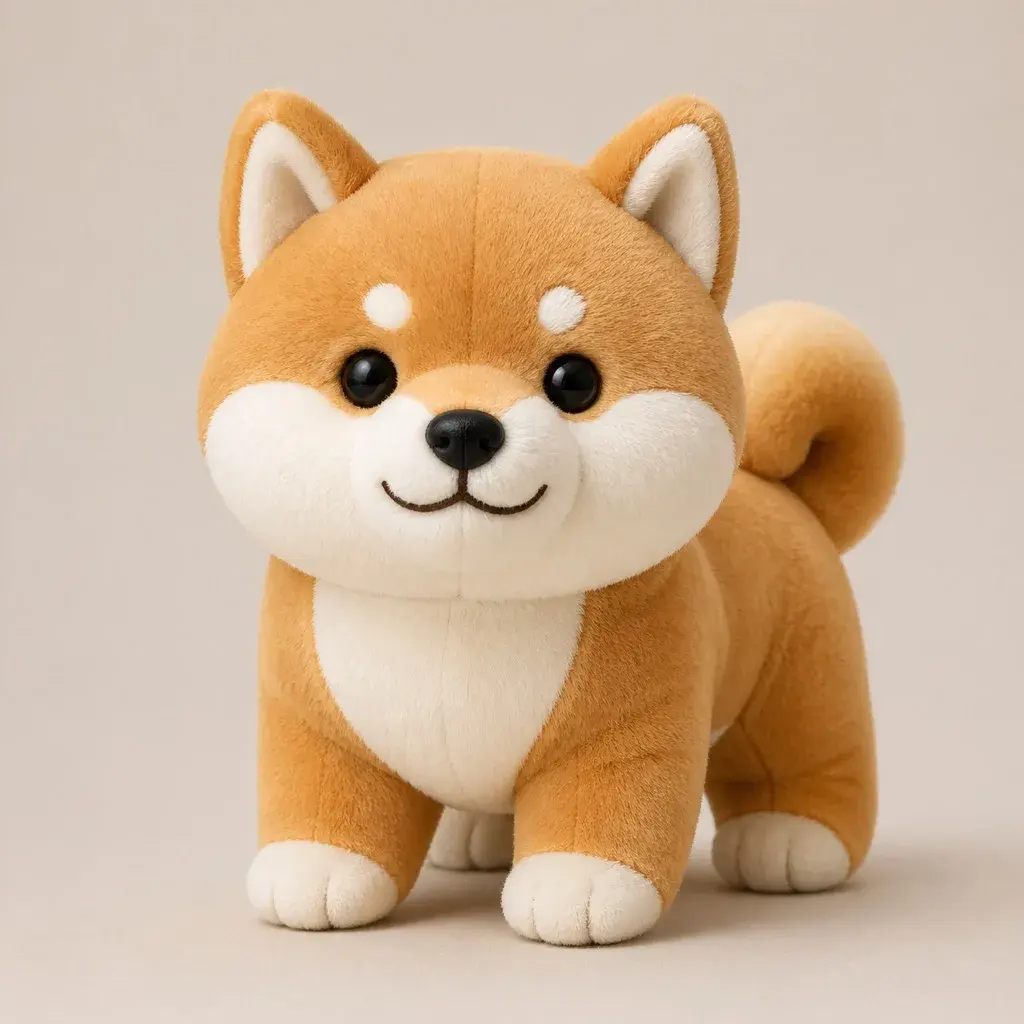
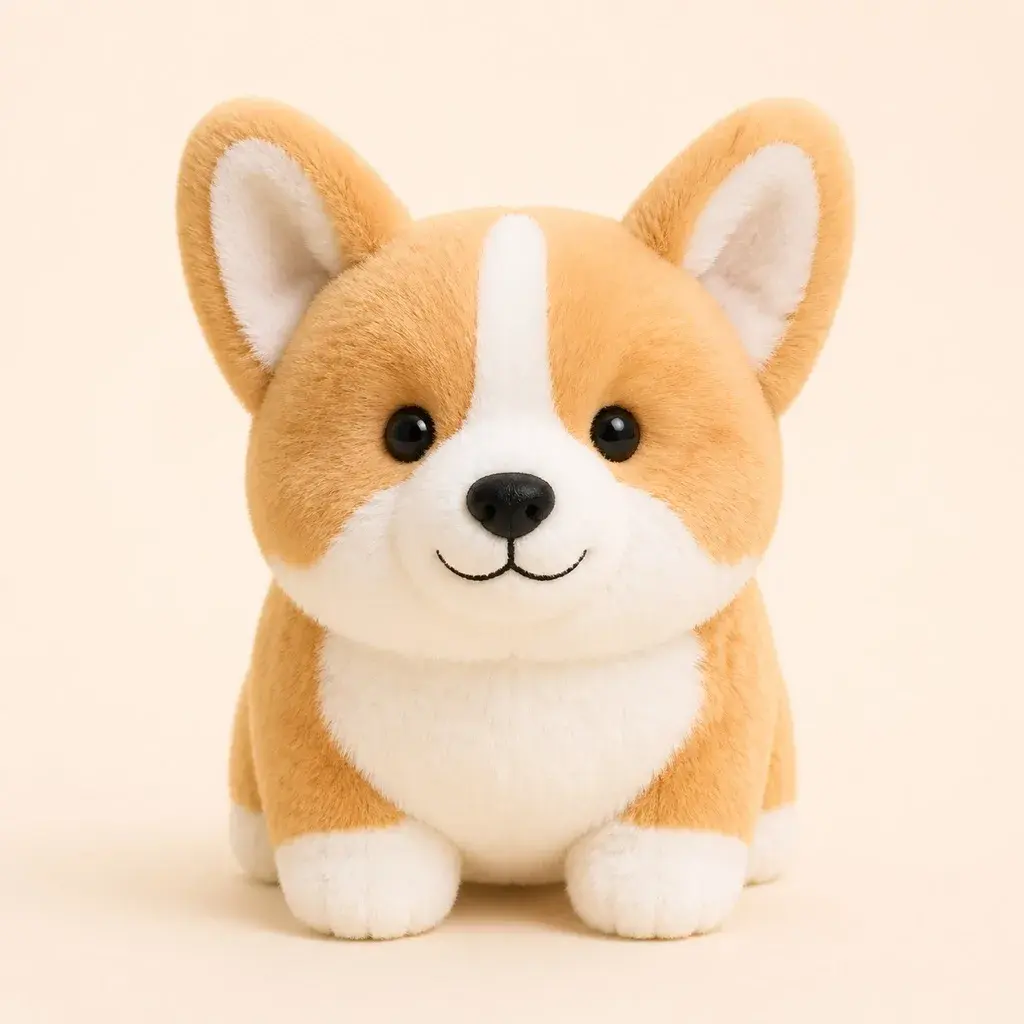
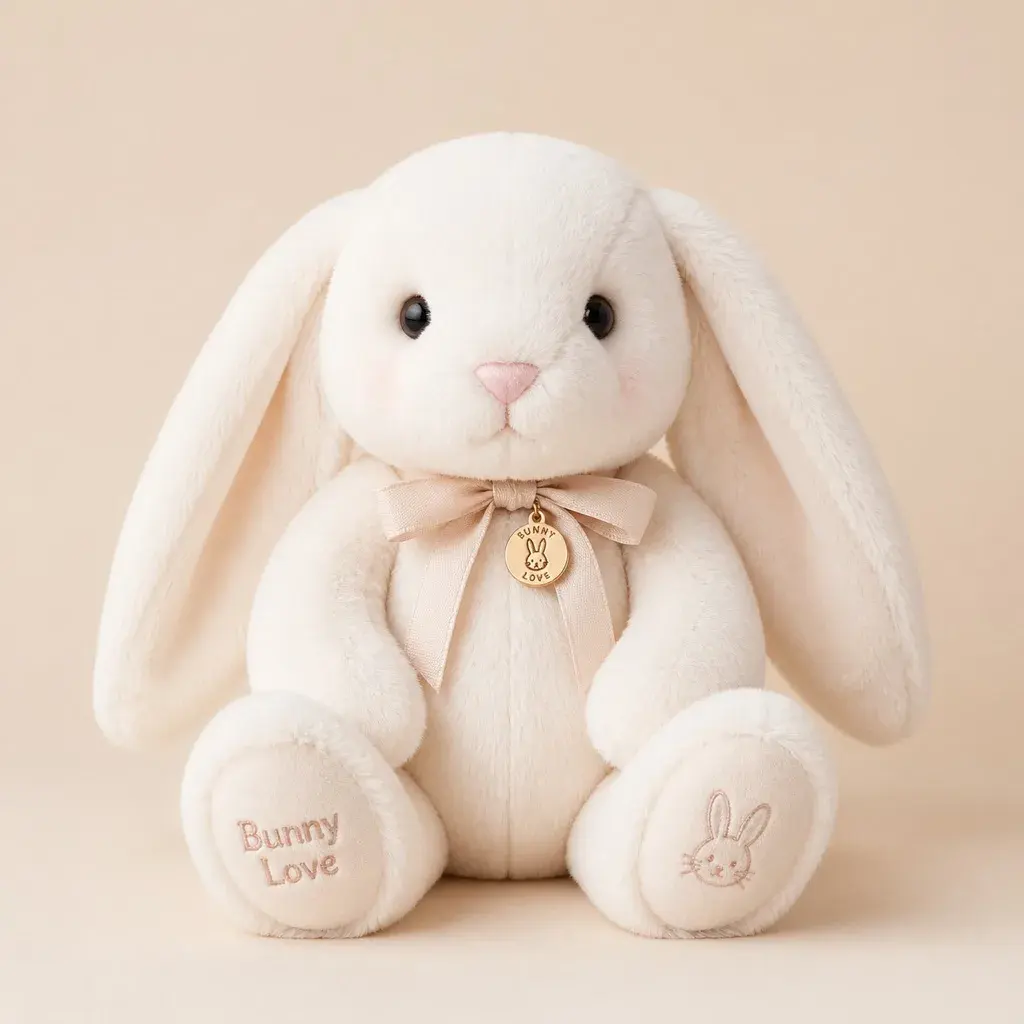

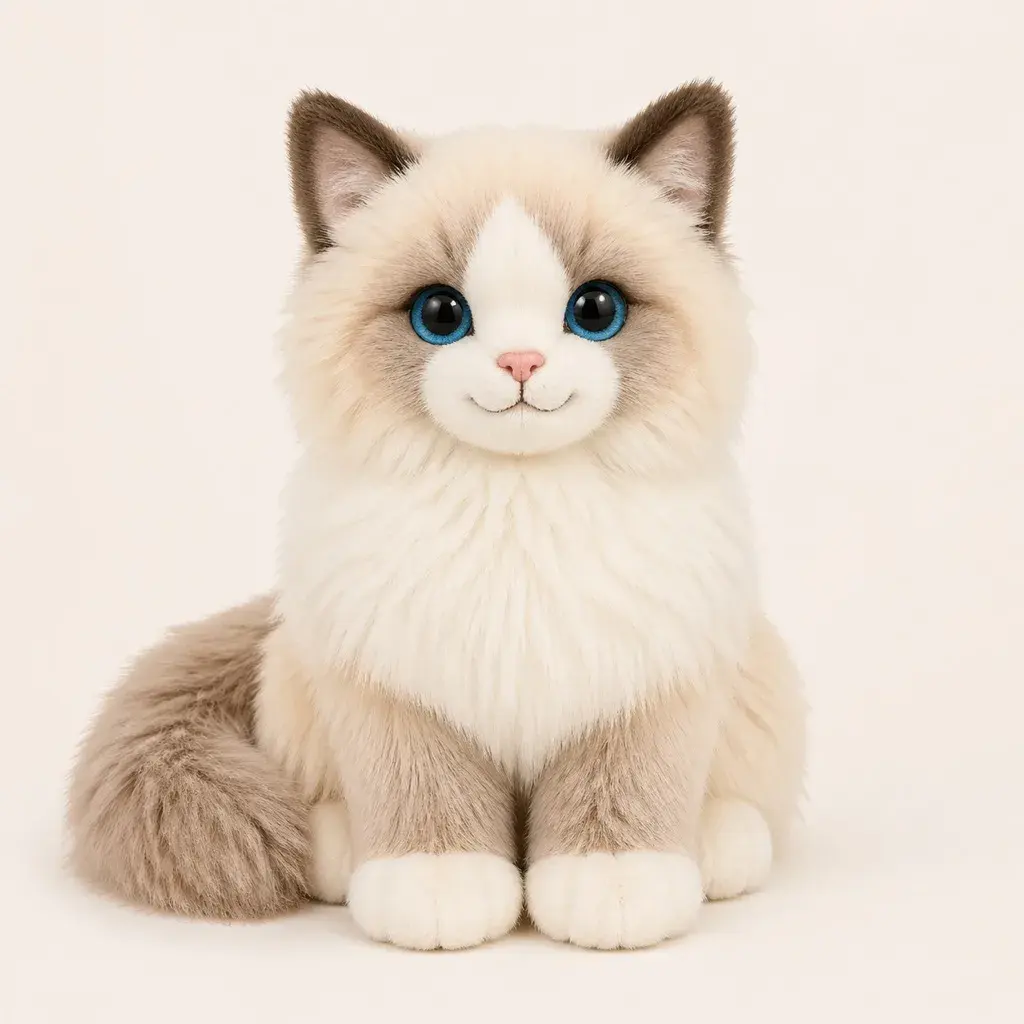

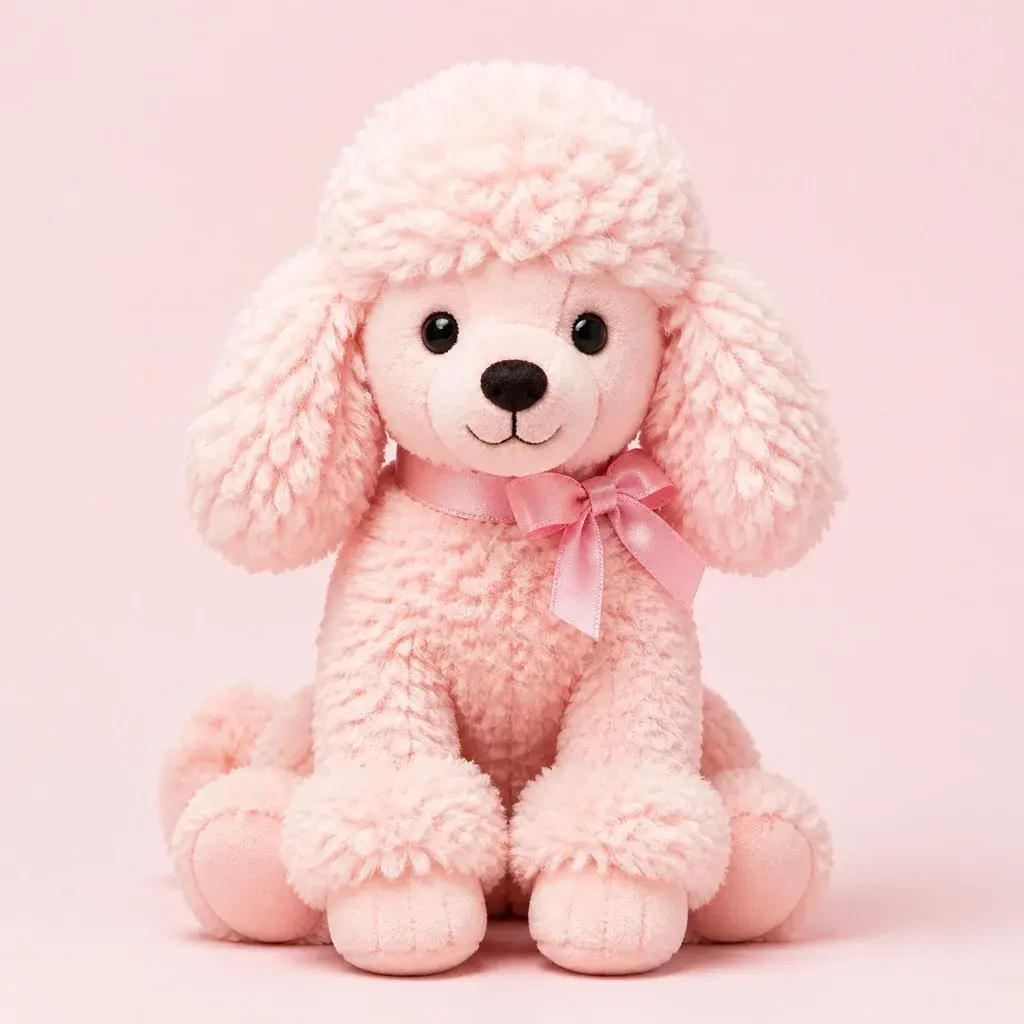

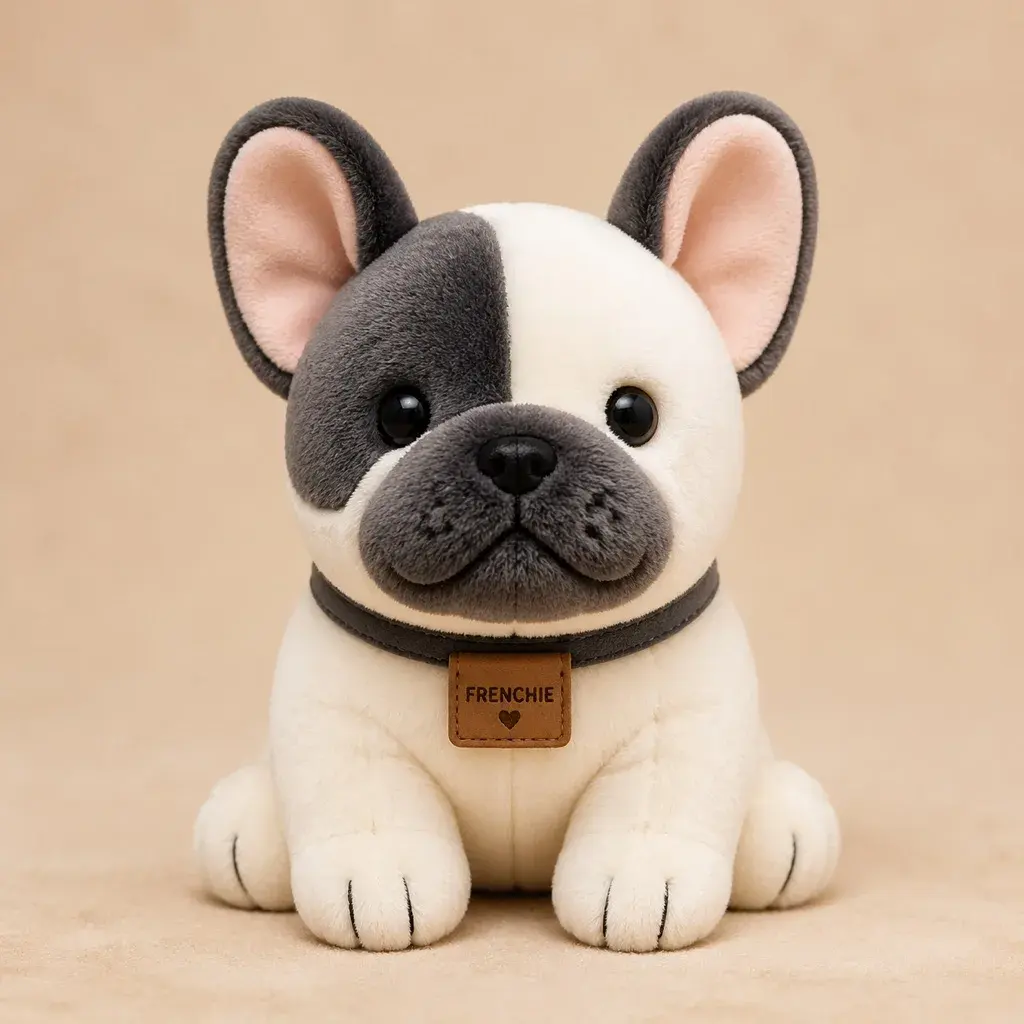
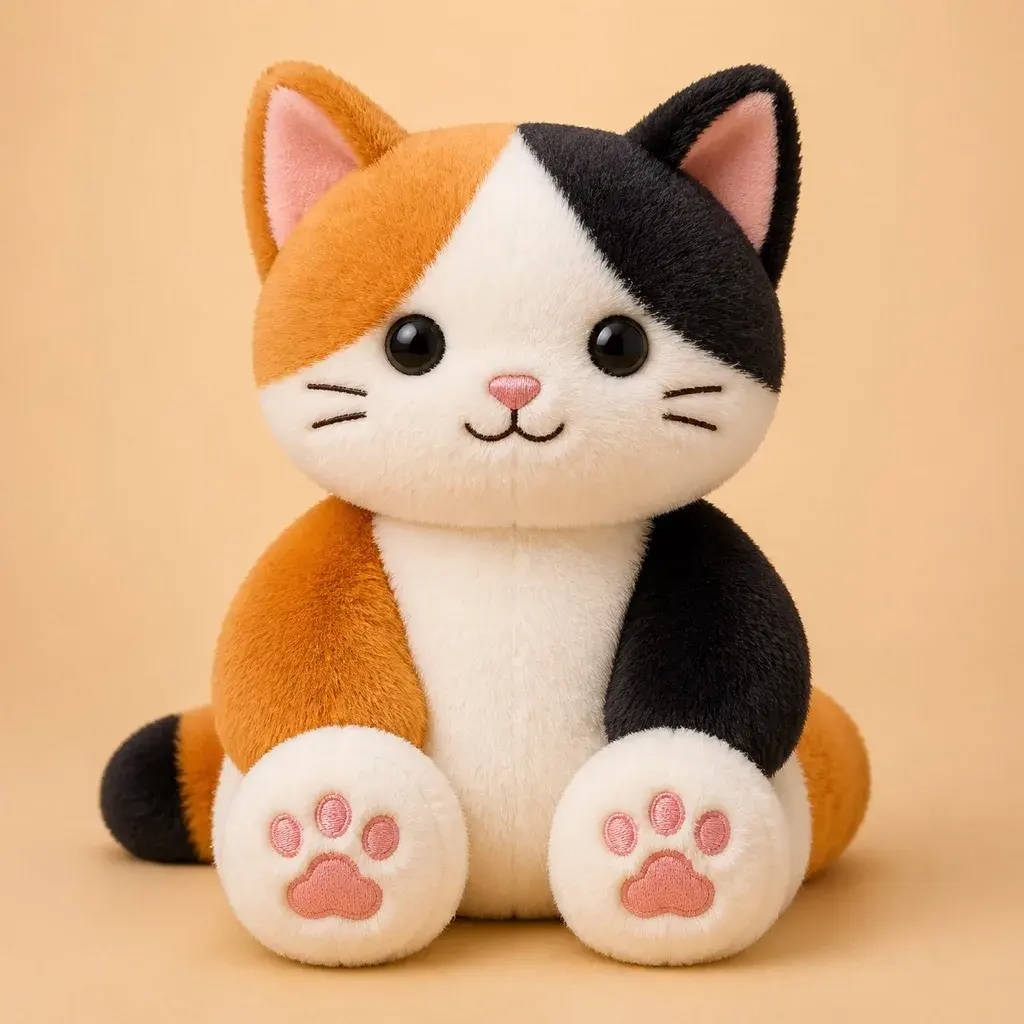
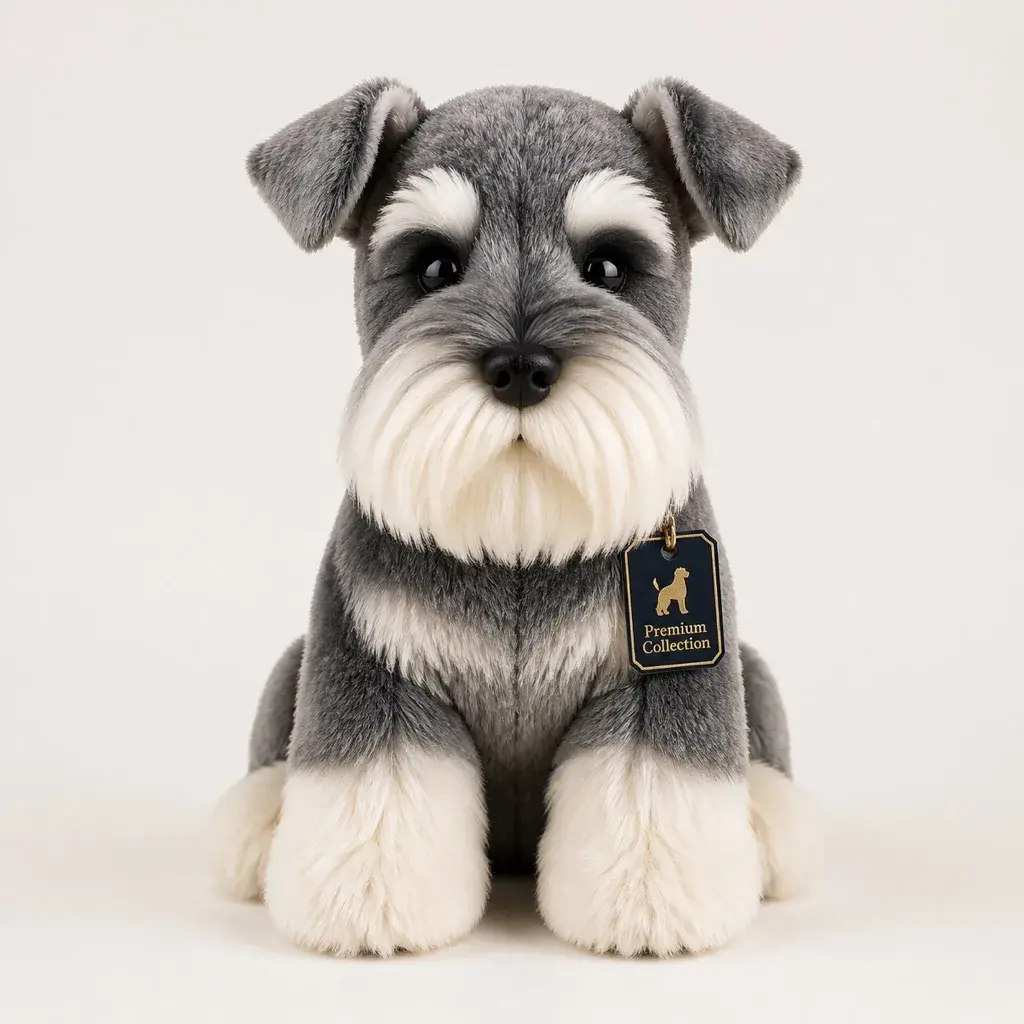
Write a clear Jellycat style plush prompt and JellyMate will generate a live image result.
Best prompts mention the subject, plush texture, emotional tone, and intended scene.
Use square for toy cards and vertical for hero or social concepts.
Optional. Add a public image URL or upload a reference image to preserve a subject identity.
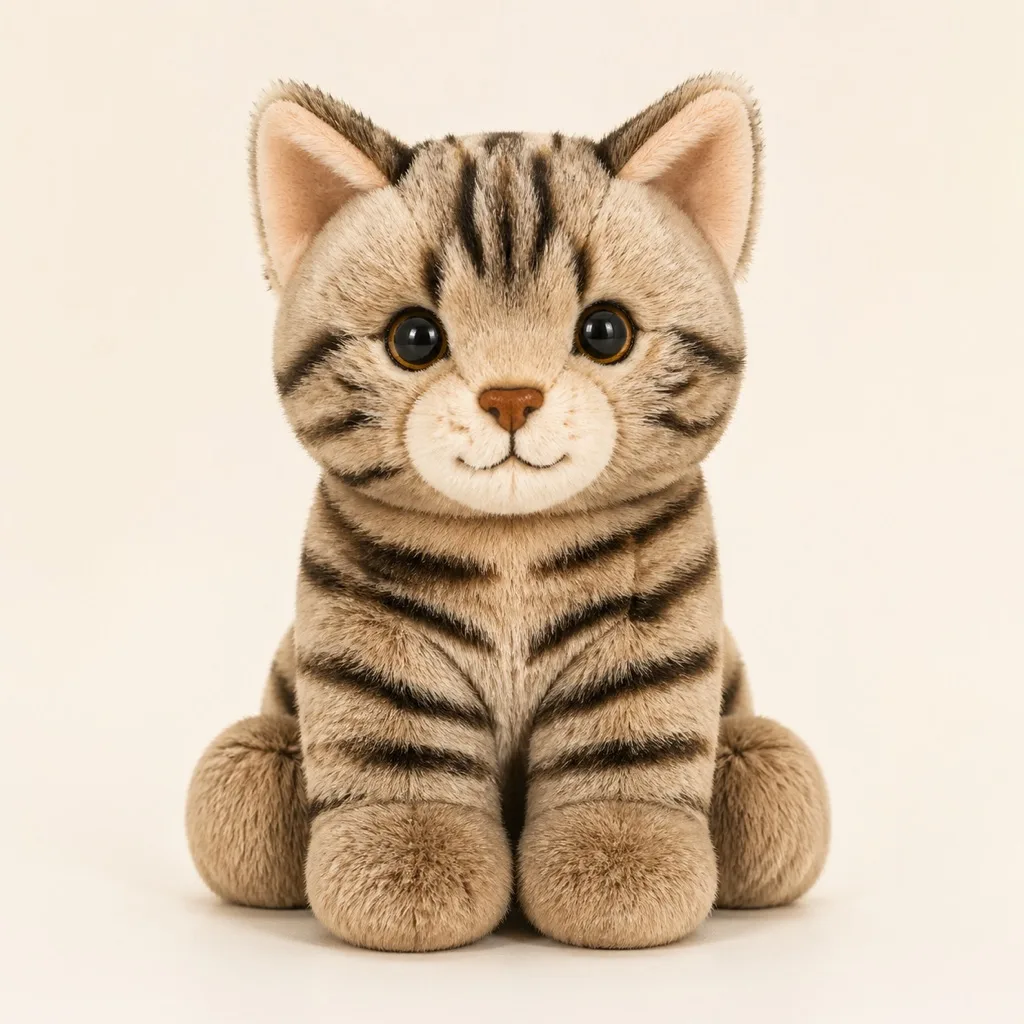
Example Preview
The preview starts with an example image and switches to your generated result.
Your latest image generations will appear here on this device.
Keep the markings, face shape, and favorite accessory intact so the plush output feels emotionally accurate.
Still images are the easiest way to confirm likeness before you move into a video or story-led version.
Once the identity is right, add a short blink, bounce, or reveal video to create a richer keepsake or hero asset.
Because pet intent is commercially strong and emotionally clear. It is one of the easiest ways for users to understand the value of plush transformation.
Usually image first. Confirming likeness in a still frame makes every later asset more consistent.
Clear memory value, obvious personalization, and strong gift potential. The user already has a real subject they care about.