Music schools and workshops needing friendlier promos
Plush instrument imagery lowers intimidation and makes beginner-focused campaigns more approachable.
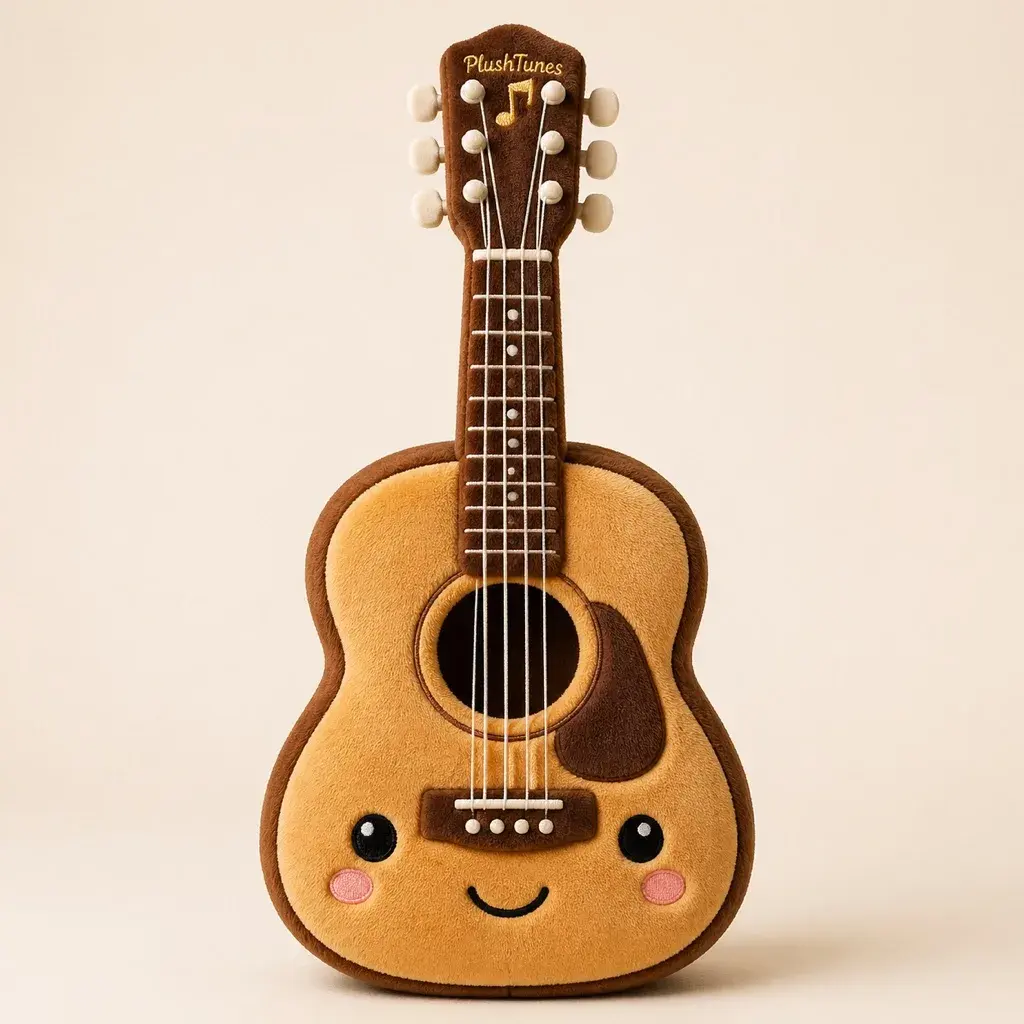
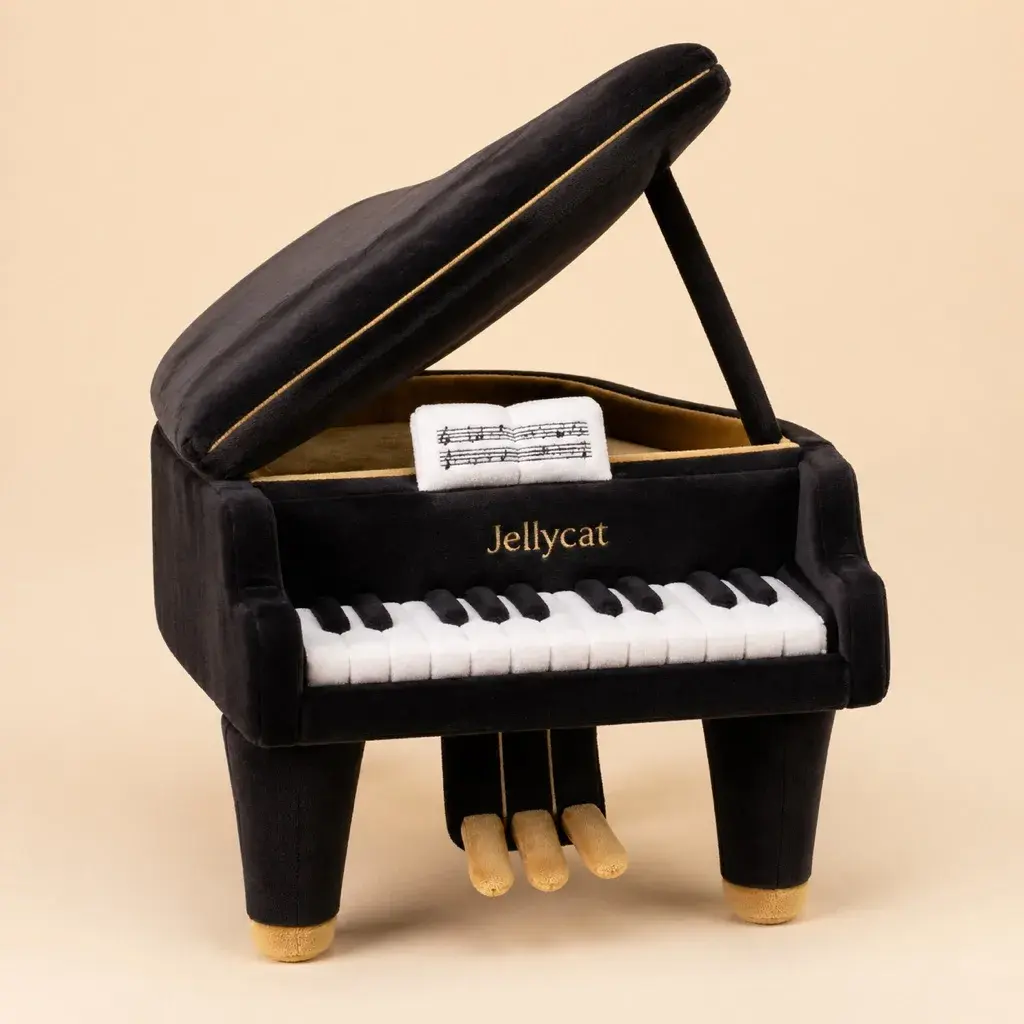
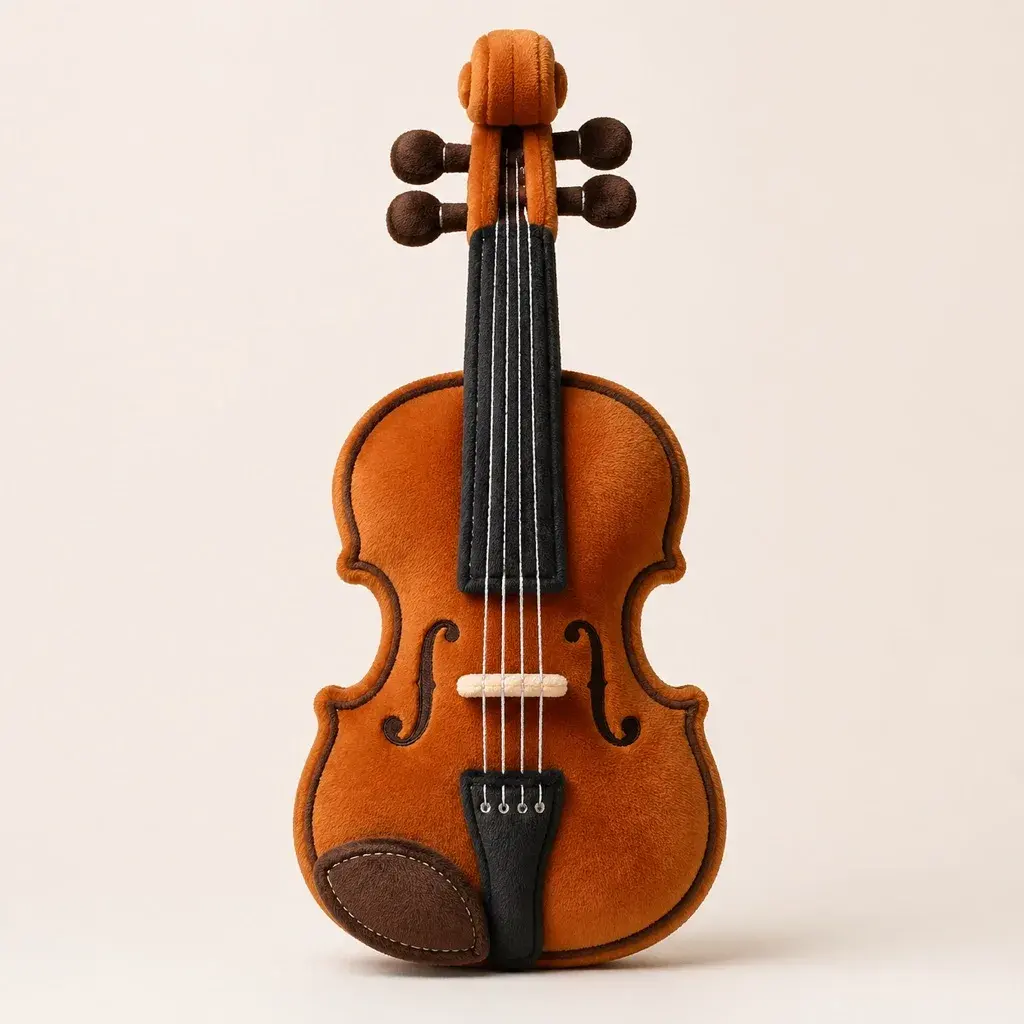
Instrument-themed visuals perform well because they combine recognizable shape with emotional context. This use case helps creators, music schools, and brands convert guitars, pianos, drums, and synths into plush characters for posters, social content, and event storytelling.
Plush instrument imagery lowers intimidation and makes beginner-focused campaigns more approachable.
Turning iconic instruments into plush collectibles is a strong hook for limited launch content.
Instrument-specific visuals let channels stand out beyond generic cute-character prompts.
Use-case assets for this page are now organized and shown directly.
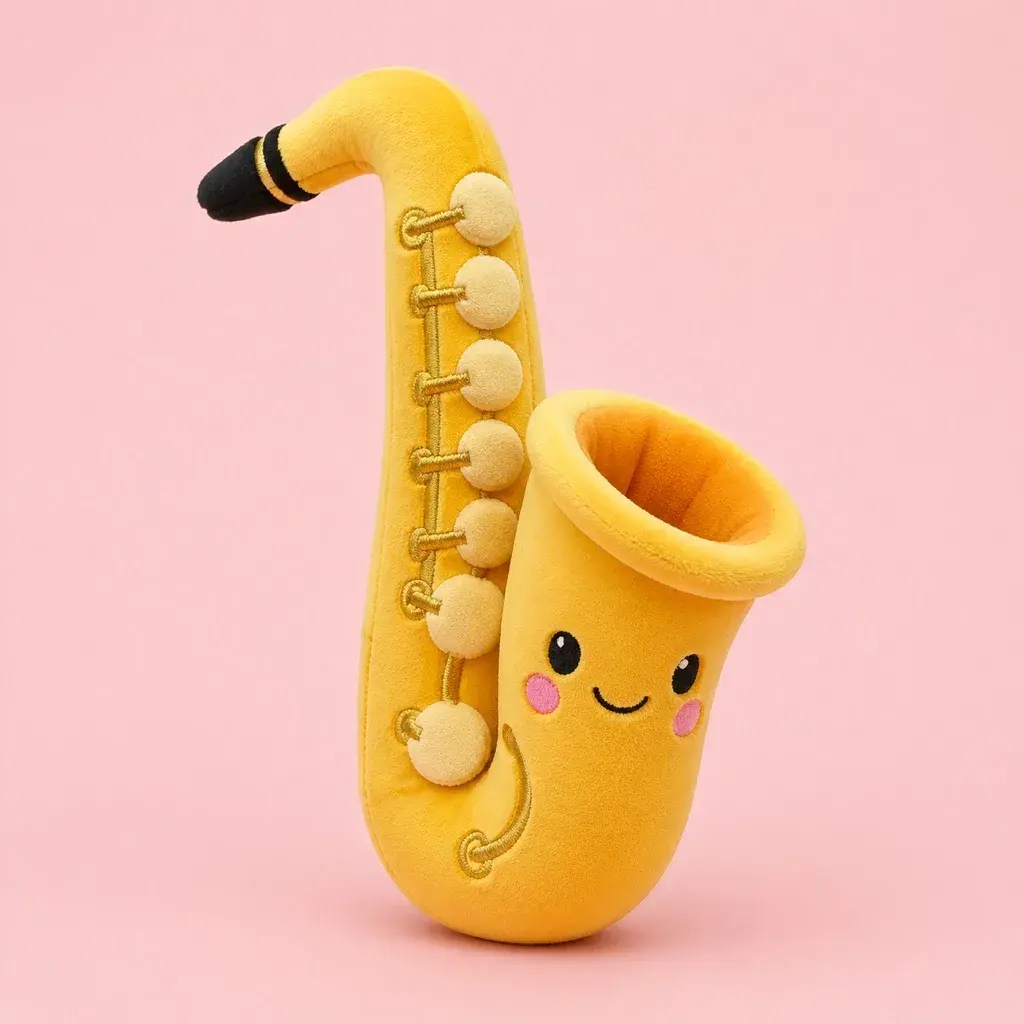
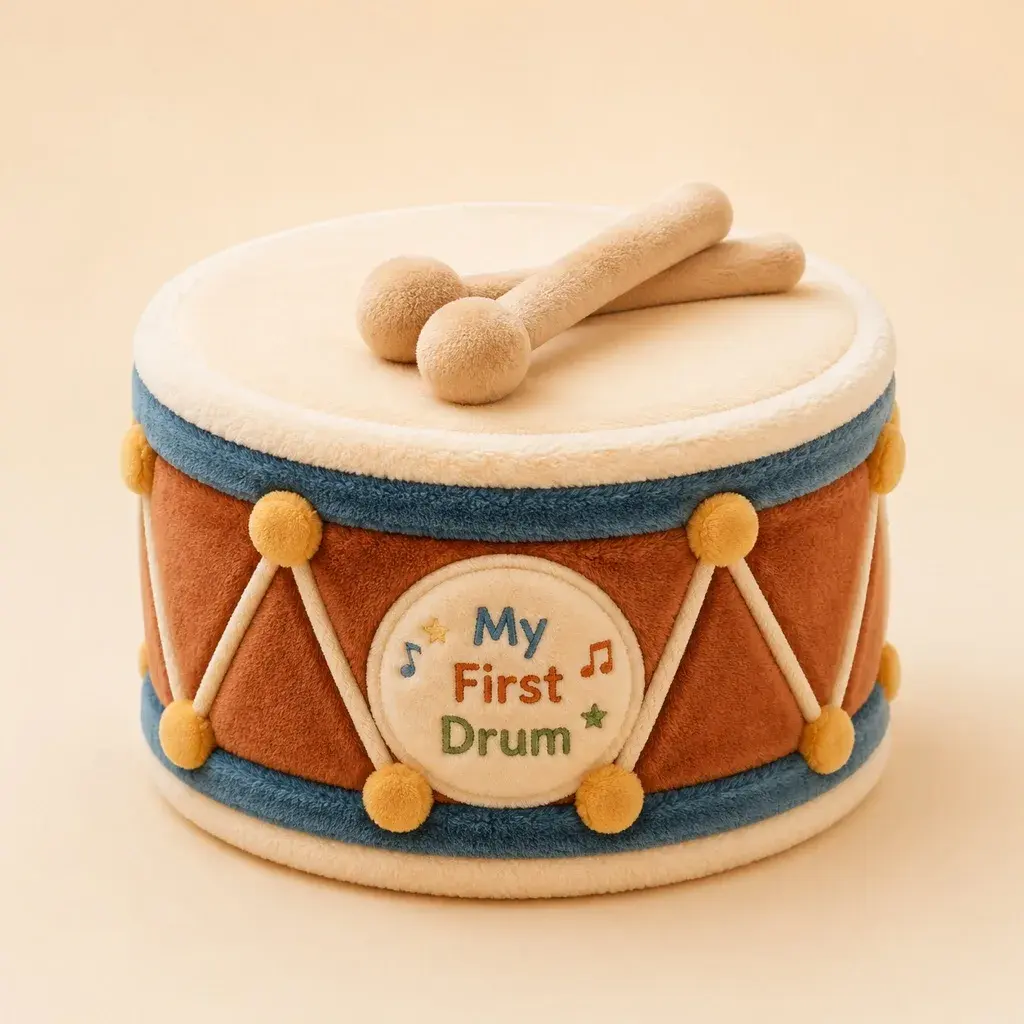
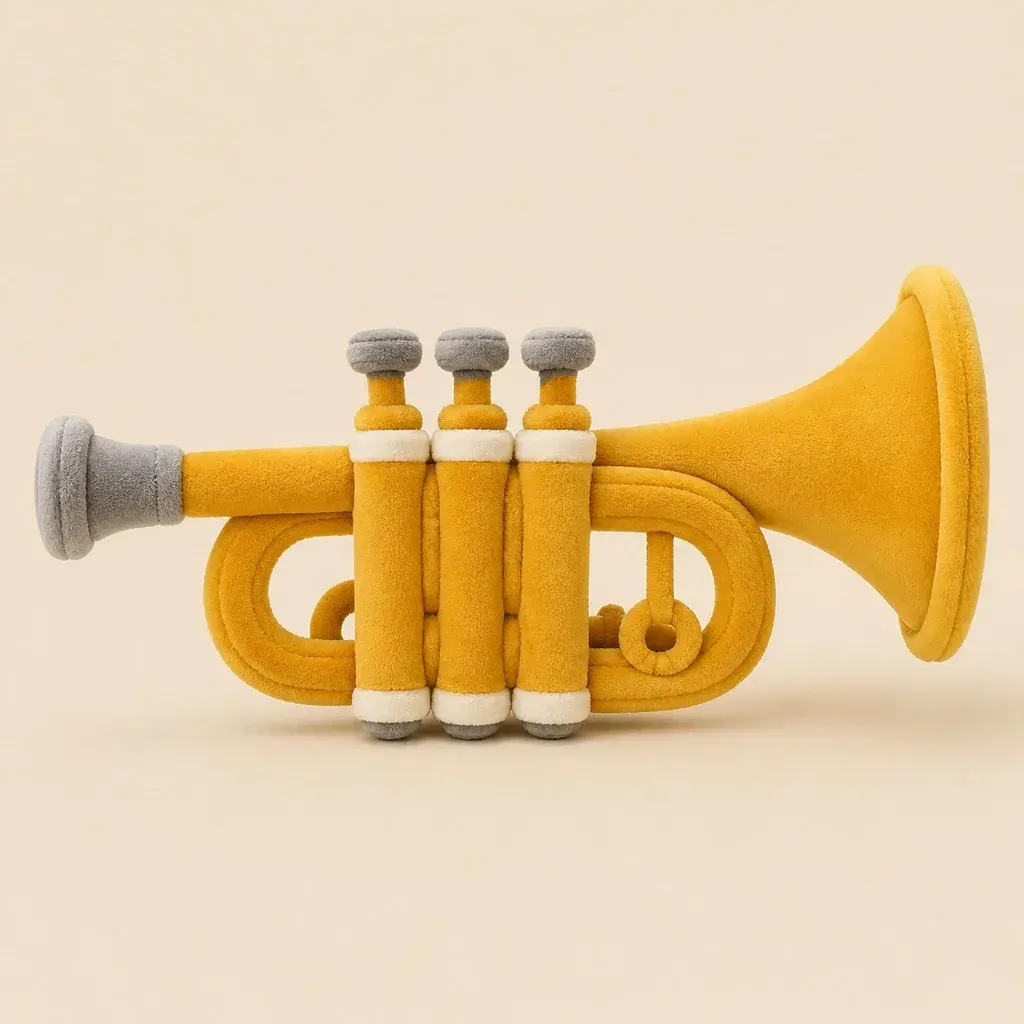
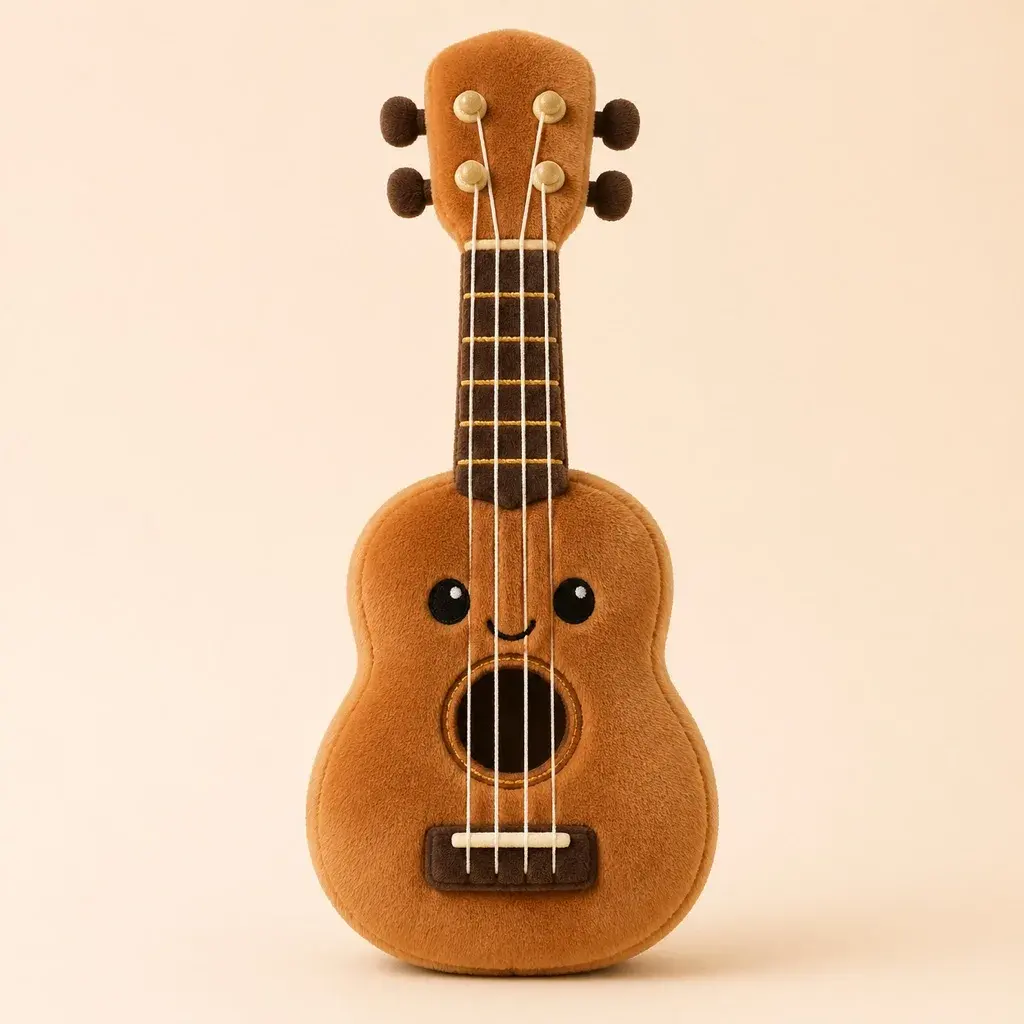
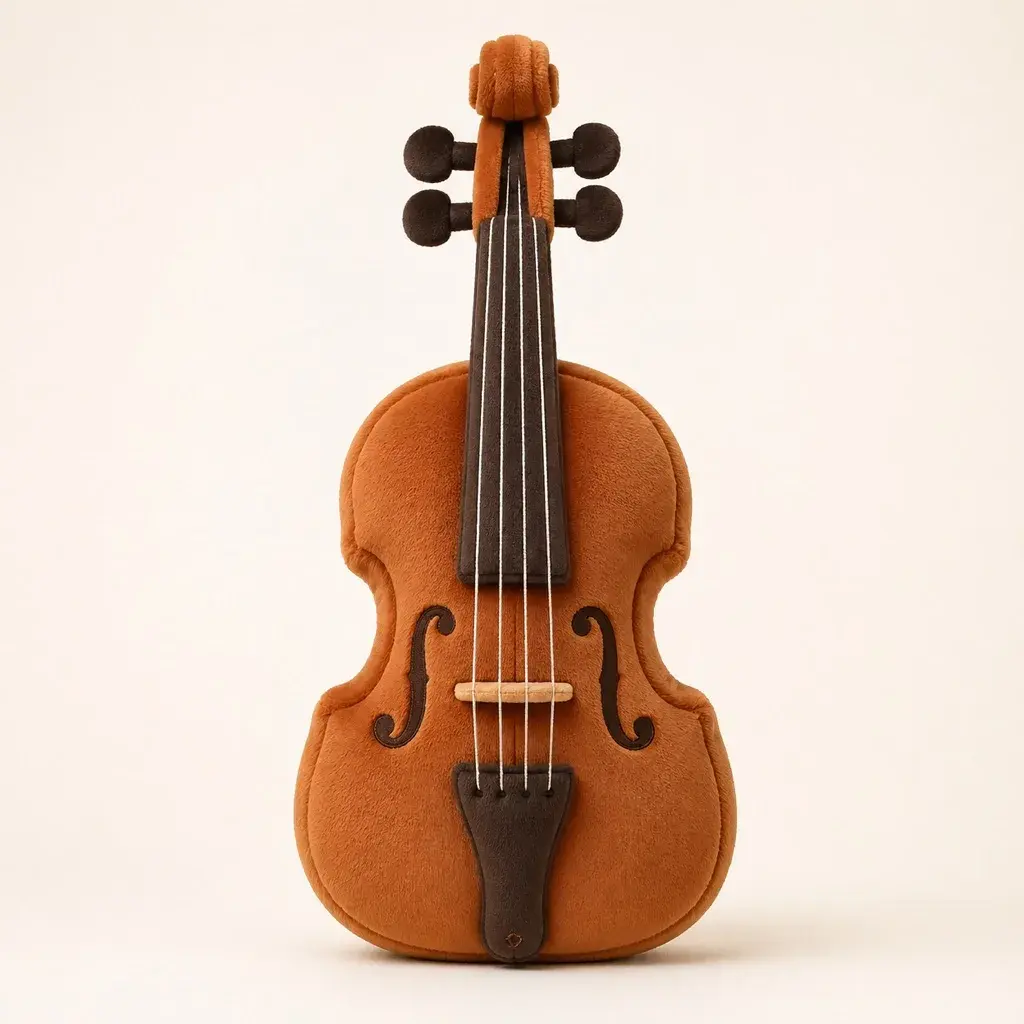
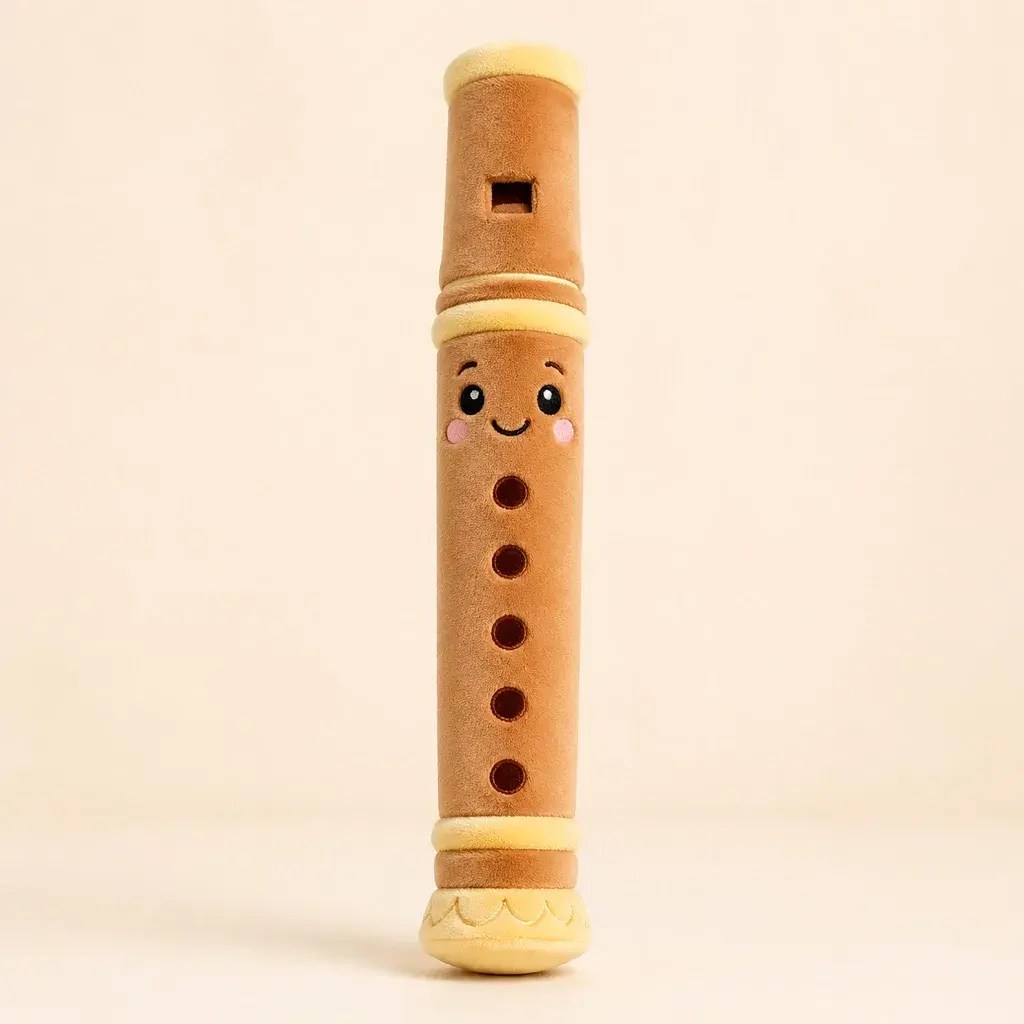
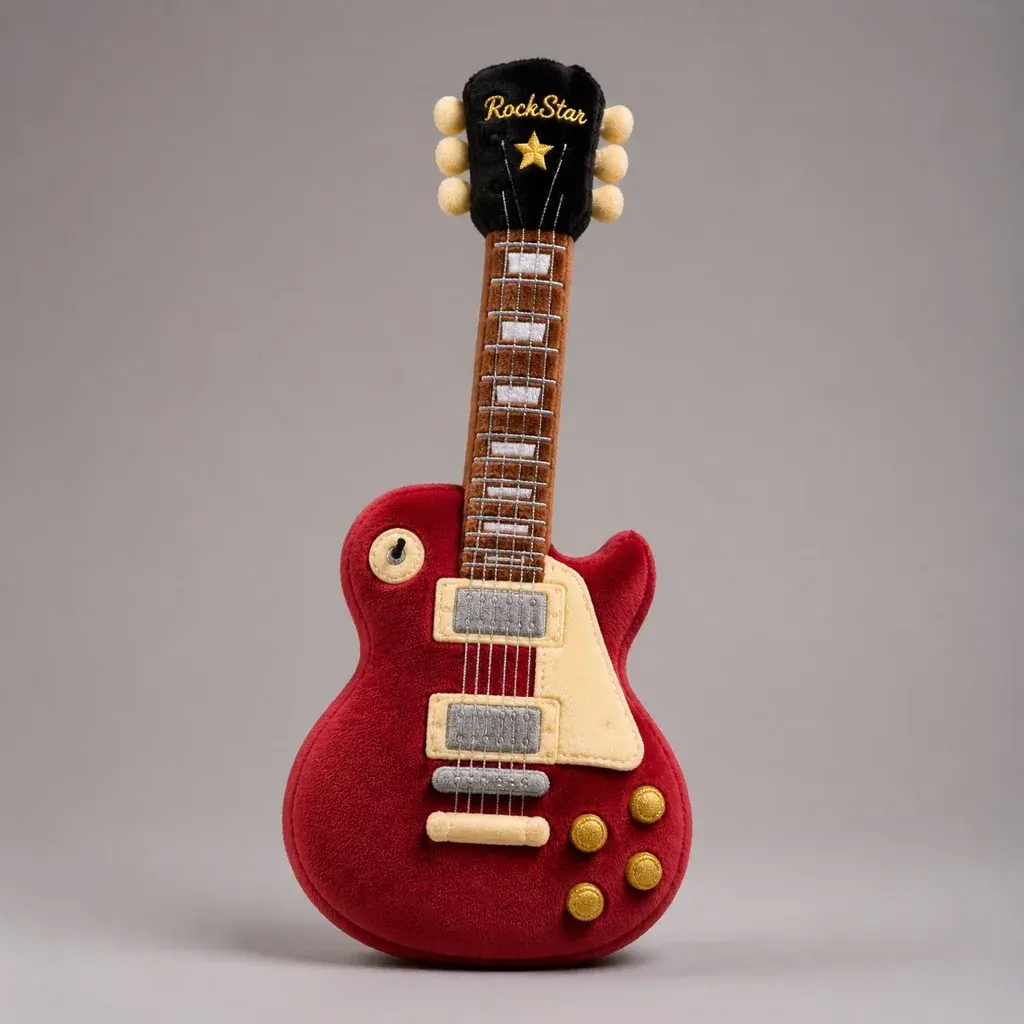
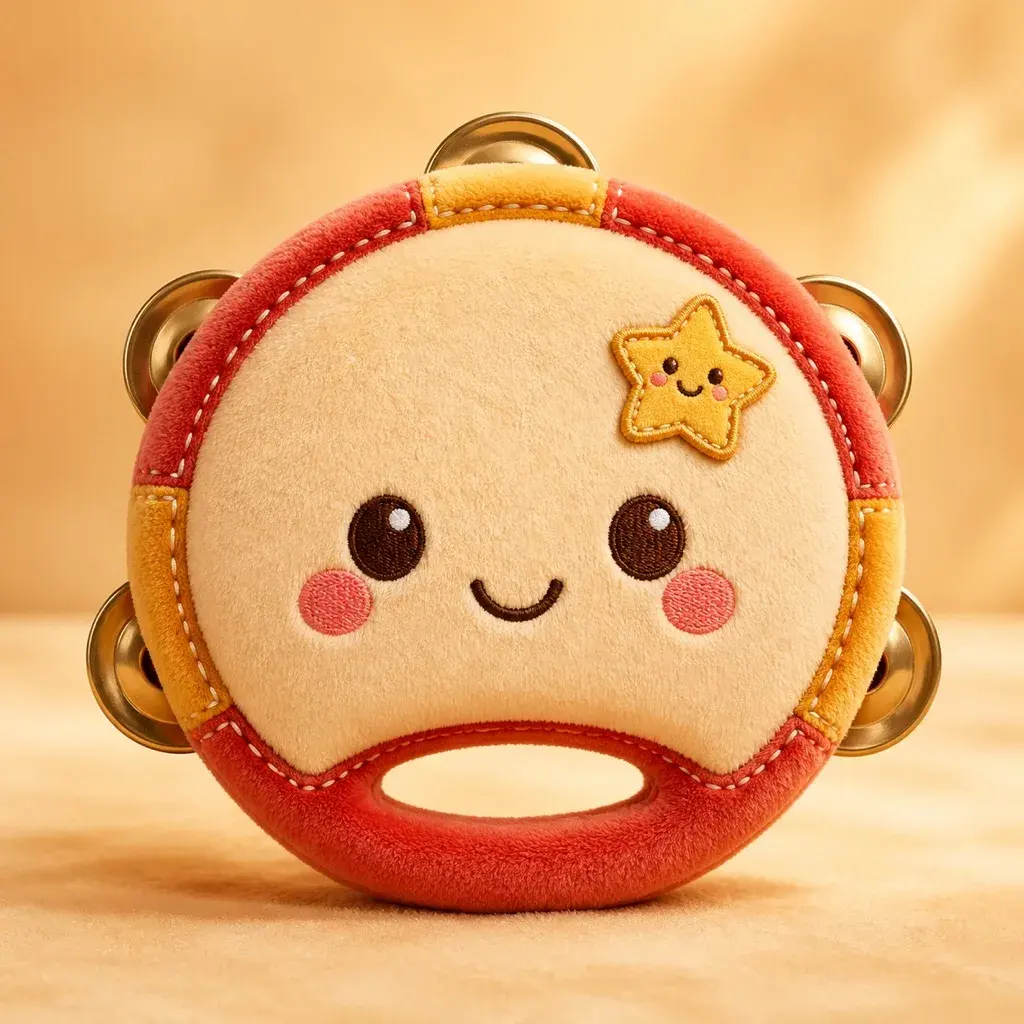
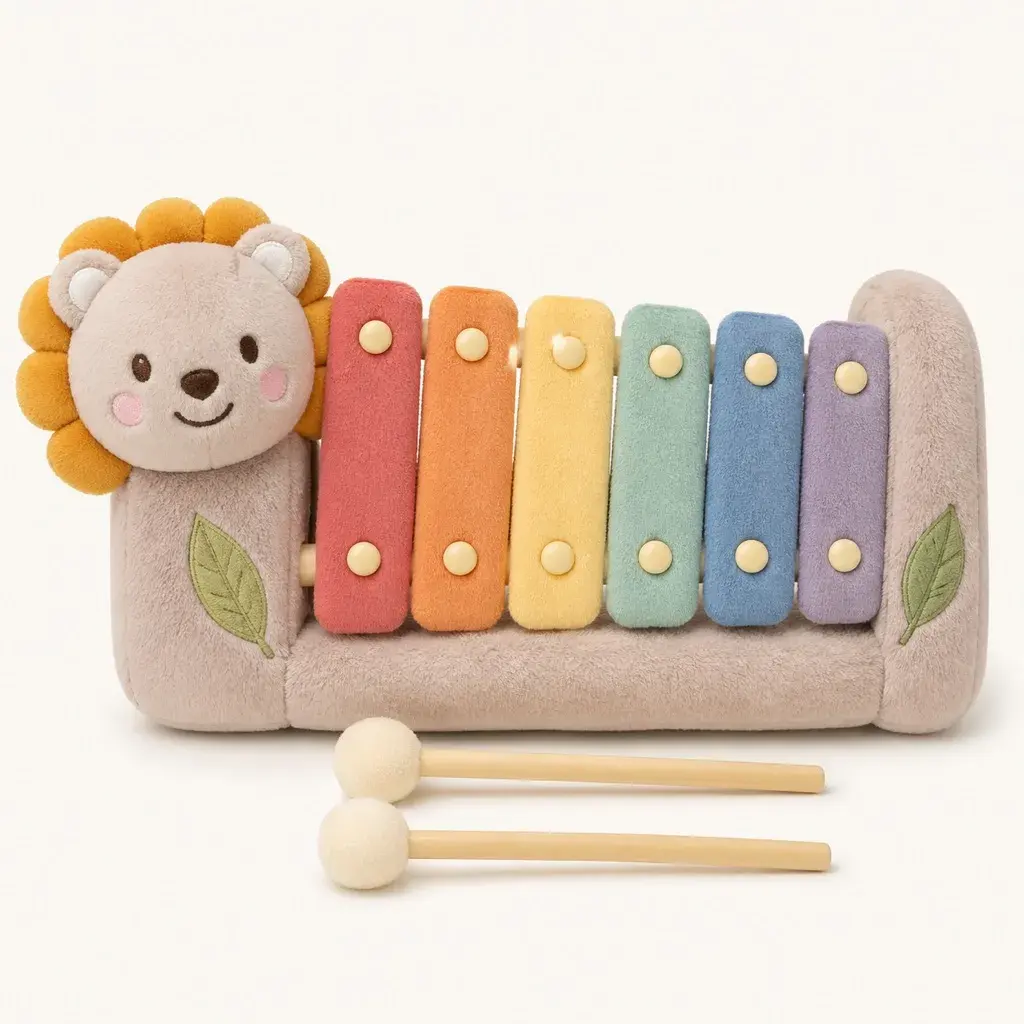
Write a clear Jellycat style plush prompt and JellyMate will generate a live image result.
Best prompts mention the subject, plush texture, emotional tone, and intended scene.
Use square for toy cards and vertical for hero or social concepts.
Optional. Add a public image URL or upload a reference image to preserve a subject identity.
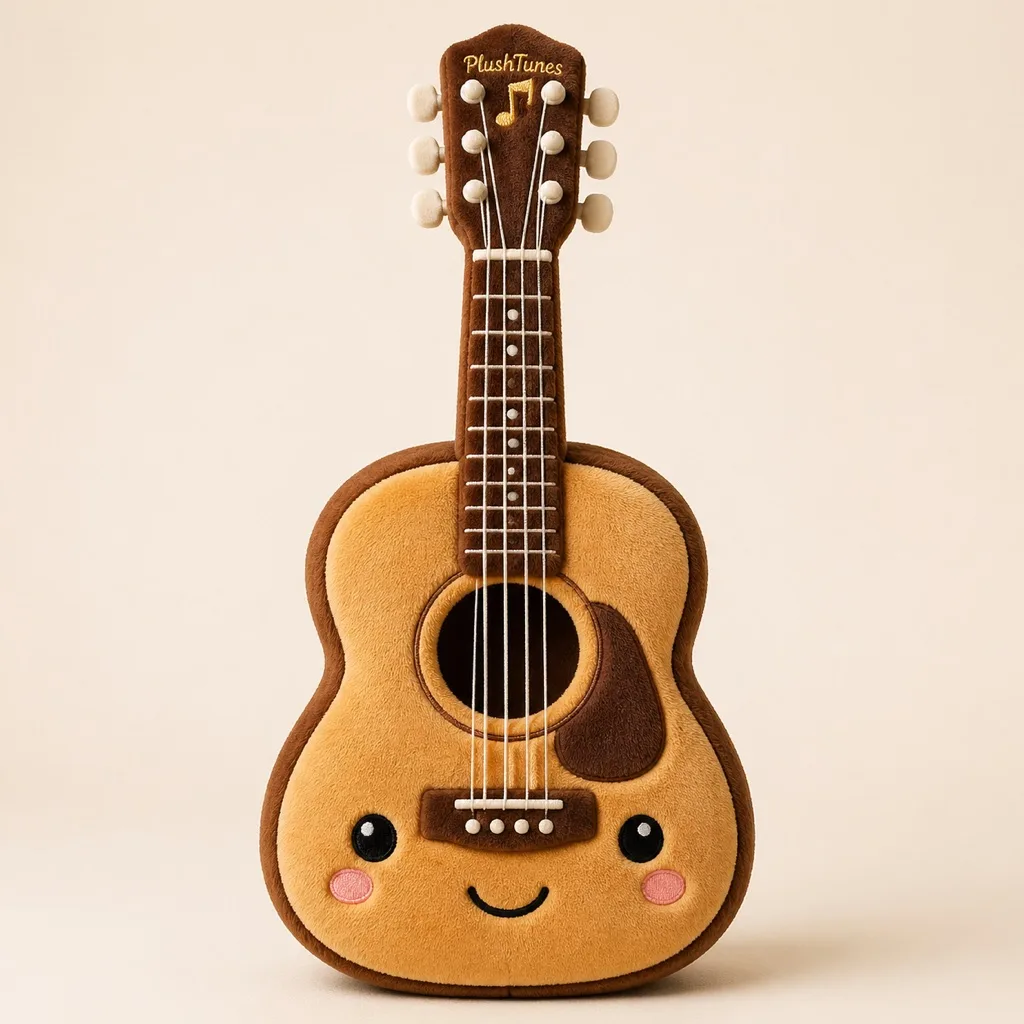
Example Preview
The preview starts with an example image and switches to your generated result.
Your latest image generations will appear here on this device.
Specify acoustic guitar, jazz bass, upright piano, or snare kit so silhouette cues remain accurate.
Keep cues like strings, keys, knobs, or drum rims while converting surface feel into soft plush fabric.
Use stage-light scenes for fan drops, classroom setups for education, and studio shelves for product-style visuals.
Yes, if you keep structural cues like body shape, keys, strings, and control layout in the prompt.
Music educators, fan-community builders, and artist teams preparing campaign creatives.
Yes. Confirm the instrument plush silhouette first, then extend into short rhythm-style motion clips.