Pet portraits with softer emotional appeal
Use a real pet photo as the anchor, then shift fur texture, expression, and pose into a plush presentation that still feels personal.
This is the core demand page for people searching a practical plush generator. Use one prompt or one photo to create ready-to-use plush-style assets.
Use a real pet photo as the anchor, then shift fur texture, expression, and pose into a plush presentation that still feels personal.
Turn inside jokes, nicknames, hobbies, and family memories into gift-ready soft-toy concepts before you commit to a print, card, or product.
Explore a softer mascot system first, then decide which shapes, colors, and accessories deserve production work.
Write a clear Jellycat style plush prompt and JellyMate will generate a live image result.
Best prompts mention the subject, plush texture, emotional tone, and intended scene.
Use square for toy cards and vertical for hero or social concepts.
Optional. Add a public image URL or upload a reference image to preserve a subject identity.
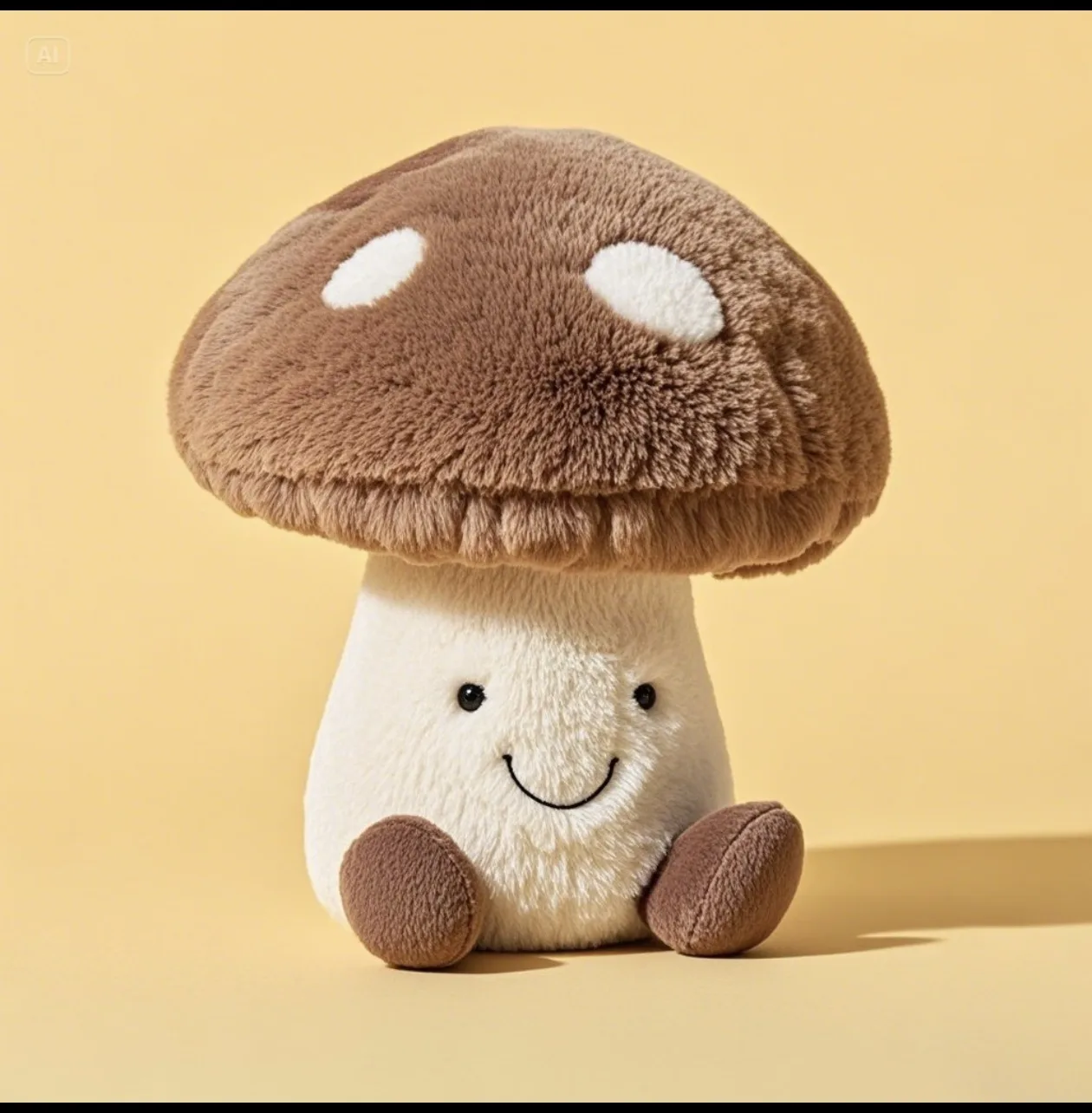
Example Preview
The preview starts with an example image and switches to your generated result.
Your latest image generations will appear here on this device.
Use one pet photo, one subject, or one gift idea before you add texture and styling. Strong identity anchors usually beat longer generic prompts.
Describe the output as plush, soft toy, stitched, rounded, or fleece-like, then add one mood such as cozy, playful, sleepy, or gift-ready.
Keep the same subject and scene while testing palette, accessory, or expression changes. That gives you cleaner options for social, landing pages, and gift previews.
Use the pillar page when the search starts from Jellycat-style language and still needs route selection.
Move into the long-tail creation page when the user clearly wants a personalized plush character of their own.
Use the softer stuffed-animal wording when the search feels more toy-like than brand-led.
You can test plush directions quickly from one prompt or one photo. This page is designed to shorten the path from idea to a usable plush-style concept.
Yes. Pet photos, profile photos, mascots, and gift references all work well when you want the output to keep a recognizable identity.
No. JellyMate is a plush-style creation tool for soft toy visuals, not an official generator from any toy brand.
For original concepts, internal mockups, social content, and mascot exploration, this page is a practical starting point. Final usage still depends on your source materials and workflow.