

Jellycat AI Generator for AI Jellycat & AI Jellycats
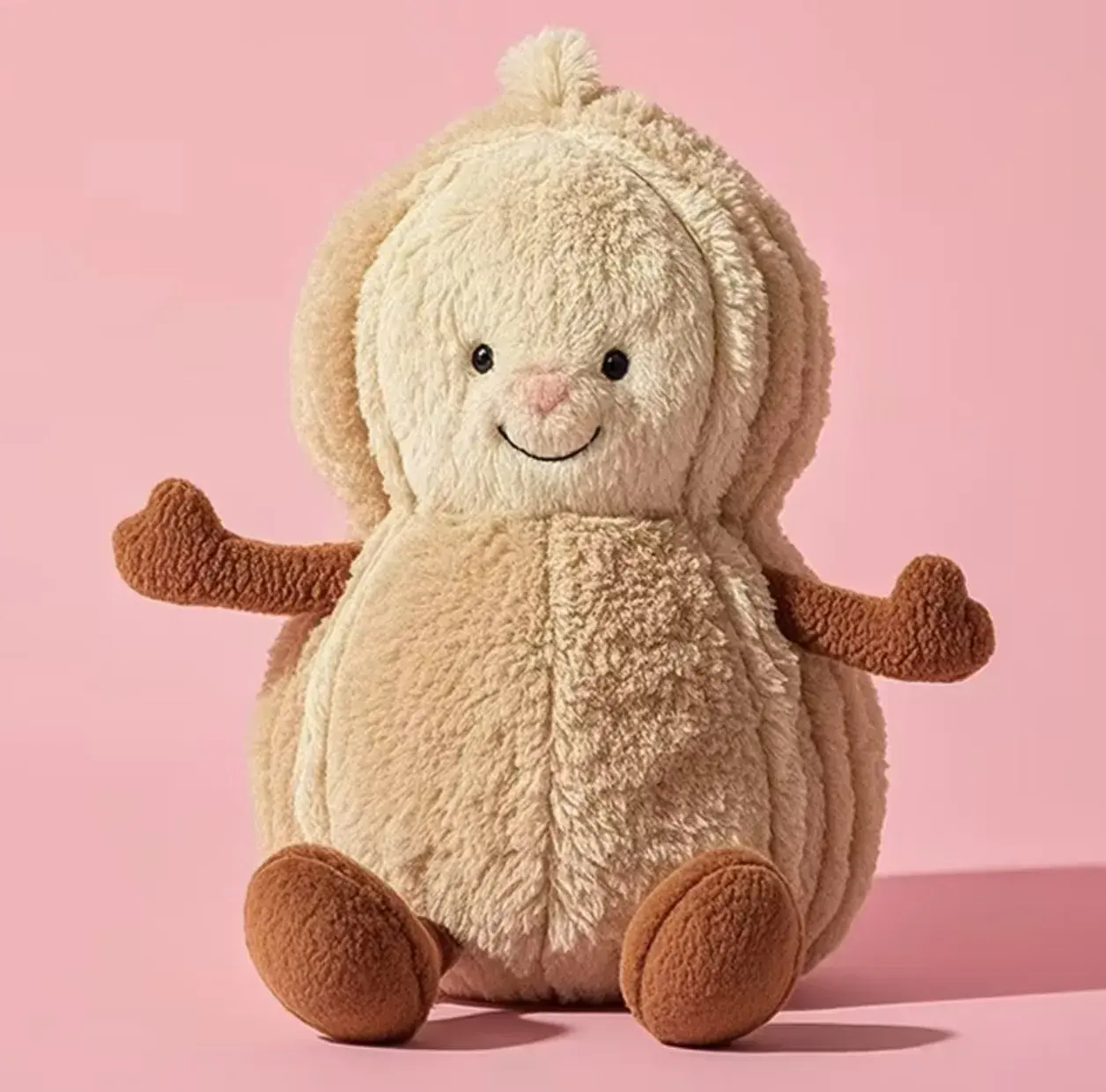
Looking for jellycat ai, ai jellycat, ai jelly cat, or ai jellycats? This page is the direct generator path to create plush-style characters from prompts or reference images with minimal setup.


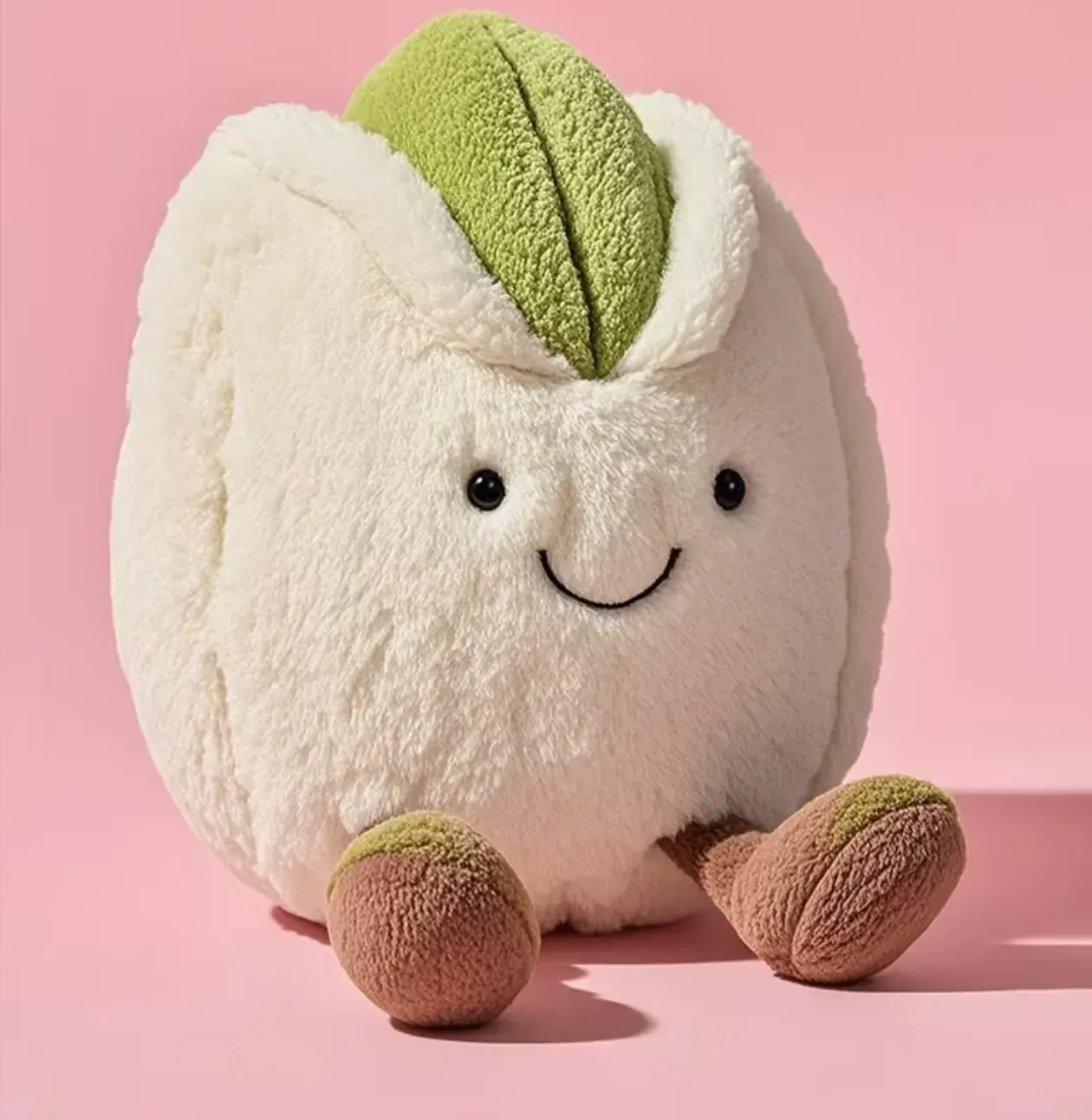
Preview
Generate AI Jellycat images in minutes
Generate AI Jellycat images in minutes
If your intent is direct creation, start here. Bring a prompt, a reference, or a rough mood and turn it into a polished plush character quickly. Then continue to custom creation for deeper identity and gift-ready variants.
Explore Recommended Templates

Example AI Jellycat prompts
Prompt directions that usually work well
Animal plush prompts
Bunnies, bears, foxes, whales, kittens, and lambs tend to produce the clearest plush-style results.
Bedtime and nursery prompts
Soft bedtime moods, moonlight, nursery colors, and sleepy expressions often fit the aesthetic well.
Dessert and cafe prompts
Croissants, strawberries, puddings, aprons, and cafe color palettes add a playful collectible feel.
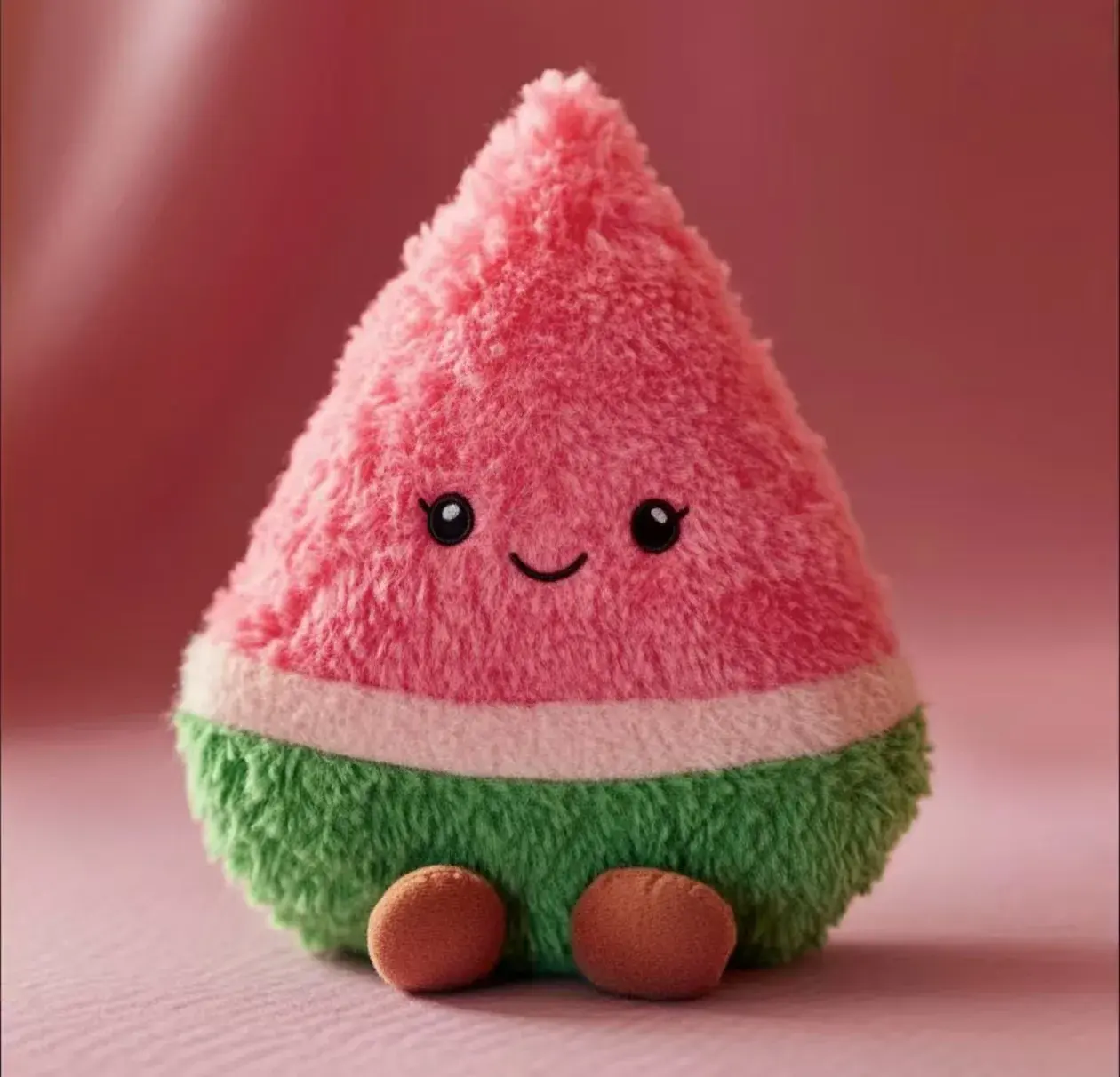
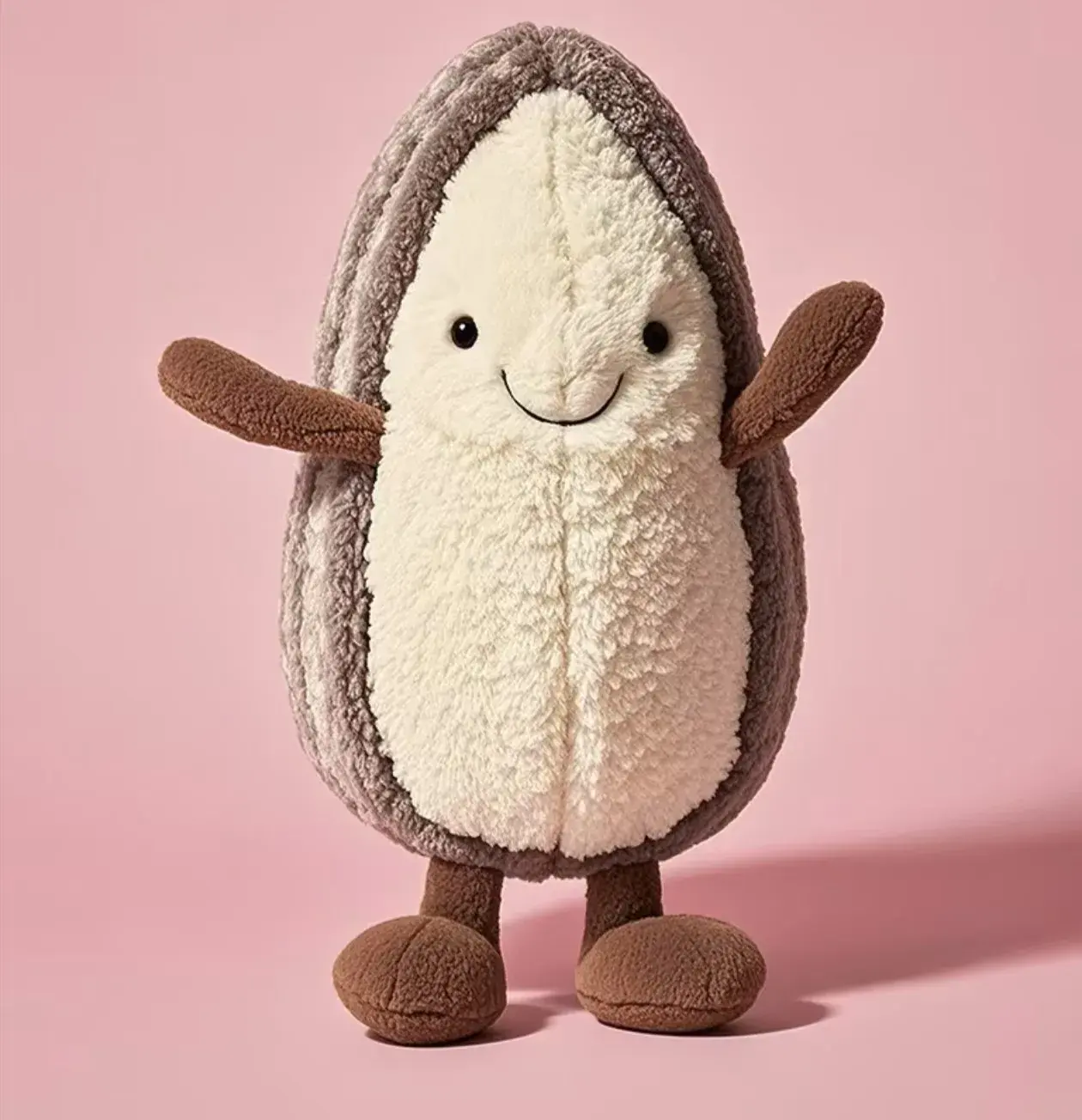


Questions users usually ask
What is an AI Jellycat generator?
It is a tool for creating plush-style character ideas, visuals, and moods from prompts or references.
Can I start from text only, or do I need a photo?
You can start from text only, and that is often the fastest way to test a new plush concept. A photo or sketch helps when you want stronger identity consistency.
Can I use a pet photo, sketch, or reference image too?
Yes. Pet photos, sketches, mascots, and toy references often help when you want the plush character to stay closer to one specific look.
Is this an official Jellycat tool?
No. JellyMate is a plush-style generator route for soft toy concepts and images, not an official tool from the Jellycat brand.